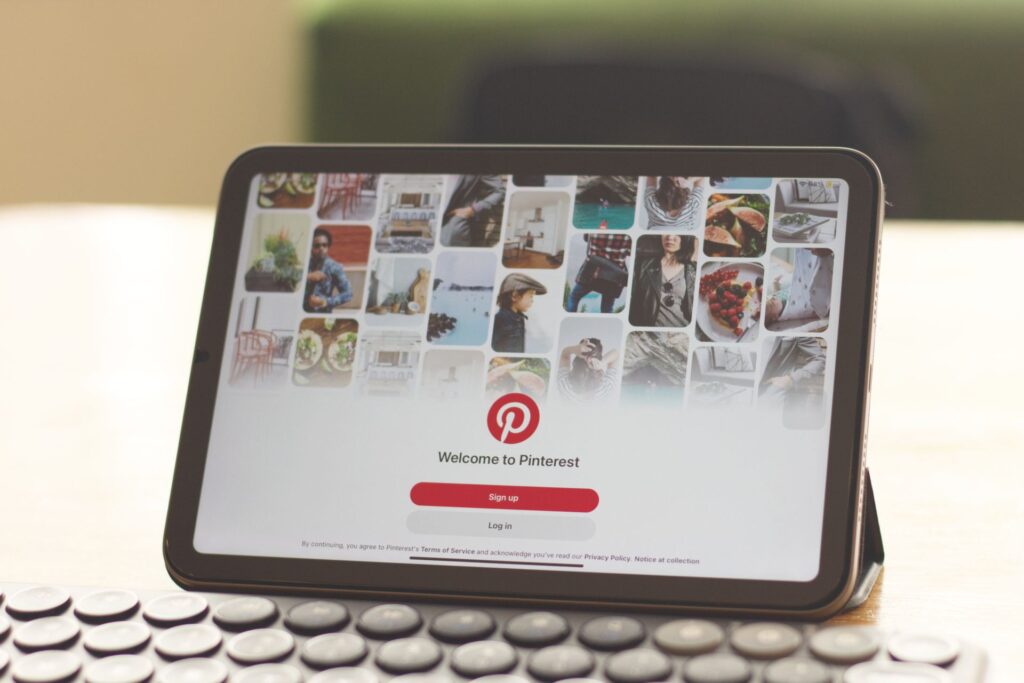
Pinterest SEO is the work of getting your Pins shown to people who search, browse and save on Pinterest. It looks familiar to anyone who has done search optimisation: words that describe the content, in the places the platform reads, linking to a page that delivers. The difference is that engagement on the platform does much of the distribution, and a Pin can keep finding people long after you publish it.
Everything below comes from Pinterest’s own help pages. Where those pages are silent, such as on how much weight one field carries over another, this post says so rather than guessing.
How does Pinterest SEO work?
Pinterest’s Business help article “Pin performance and distribution” puts the core mechanism in one sentence: “As users search, save and engage with your Pin, Pinterest uses that engagement information to determine what content is most relevant to share with people.”
Two things follow. First, Pinterest has to understand what your Pin is about before it can show it to anyone, which is where keywords come in. Second, what people do with the Pin shapes where it goes next. Neither works without the other: a well-described Pin nobody saves stalls, and a striking image with no context is hard to place.
The timescale is unusual. “There’s no set engagement window for Pins, so it’s possible that a Pin can gain engagement hours, days, months, or even years after it’s first published.” Engagement “can be impacted by language, location, seasons, holidays, formats and trending topics.” That makes Pinterest closer to evergreen search traffic than to a social feed, and it rewards long-tail keywords and seasonal topics planned in advance.

Where keywords go on Pinterest
Pinterest is specific about the fields. Its advice: “Review previously published Pins to include relevant keywords in your Pin title, Pin descriptions, board titles, board descriptions and website URL that follow our best practices. If you’re creating new Pins, add topic tags during the publishing process.”
| Where | What Pinterest says | How to do it |
|---|---|---|
| Pin title | Include relevant keywords | Name the thing in the searcher’s words |
| Pin description | Include relevant keywords; add a description | Say what the linked page gives the reader |
| Board title and description | Include relevant keywords; save to a relevant board | One clear topic per board, named plainly |
| Website URL | Include relevant keywords | Use a descriptive slug on the landing page |
| Topic tags | Add during publishing for new Pins | Pick the tags that match the Pin’s subject |
| Landing page | Images, text and keywords should match the Pin | Link to the page the Pin shows, not your homepage |
The page gives no ranking weights and no character limits, and says nothing about hashtags. Treat any claim that boards outweigh descriptions, or that a title must be a set length, as someone else’s opinion. Fill every field accurately and move on.

How to improve Pinterest SEO on each Pin
Give the Pin context
“When you add the right text to your Pins, more people will discover them. Add a description, title or link to your Pins, choose a strong thumbnail for your videos and save your content to a relevant board.” The same logic applies to the images on your own site, which our guide to image alt text covers.
Match the landing page
“Make sure the images, text, and keywords in your Pin match the details in the landing page,” and “Link to a landing page that provides additional content clearly related to your Pin”. A recipe Pin should land on that recipe, not a category page. For recipe sites, Pinterest’s “Create rich Pins” help page notes that “Rich Pins are Pins that automatically sync information from your site”; article rich Pins “add the headline or title, the description and the author”, using “rich meta tags” on your pages, and “It may take up to 24 hours for the content from your site to sync to your rich Pin.” Our post on recipe schema covers structured data on the page side.

Use the format Pinterest recommends
“We recommend a 2:3 aspect ratio for images and videos that are anywhere from 15 to 60 seconds long.” The reason is the audience: “Most of your Pinterest audience is on their mobile device, so it’s best to create with a vertical aspect ratio.”

Technical basics most sites skip
Pins depend on your site, so a few checks sit outside Pinterest entirely. “Confirm that your domain or website hosting company is not blocking Pinterest bot from retrieving data from your site.” Pinterest also asks you to “ensure your domain loads in under 4 seconds” and to avoid broken links. Our guide to page speed covers the load-time side.
Then claim your website, which gives you “access to analytics for the Pins you publish from your site, as well as the analytics on Pins that other people create from your site.” Without that, you can’t see which of your pages Pinterest users are already saving.
Finally, mind the frequency rules. “Aim to create original content weekly. You can schedule Pins up to two weeks in advance”. Repeatedly saving the same Pins or re-uploading existing content has a cost: “You may get flagged as spam and get temporarily blocked from creating Pins.”

Free Pinterest SEO tools: search suggestions and Trends
Pinterest’s help pages don’t describe a keyword tool for organic Pins, but two free sources come straight from Pinterest. The first is the search bar. The “Search for ideas on Pinterest” help page says you can “Click on a suggested term to explore new ideas”, which is a quick way to see the phrases people use. It also notes that “For some searches, you can click the Less AI button to see less AI-modified content.”
The second is Pinterest Trends. In Pinterest’s words: “Discover trending searches with Pinterest Trends to identify topics on the rise, the top search terms and topics or find seasonal changes to create relevant Pins. The search bar or the creator hub are other places to discover trending content.” Combine both with your usual keyword research, and if you already use Google Trends for seasonality, the habit carries over.
Pinterest traffic also overlaps with image search. Our post on Google Images SEO covers the other place your vertical images can earn visits.
The limitation: Pinterest’s guidance tells you where keywords belong and what helps distribution, but not how much each factor counts, how long a Pin takes to gain traction, or what share of engagement any change will bring. Nothing guarantees a Pin will rank by a set date. Your own website analytics, once claimed, are the only way to see what works.
Frequently asked questions
How does Pinterest decide which Pins to show?
Pinterest says it uses engagement information from users who search, save and engage with a Pin to determine what content is most relevant to share with people.
Where should I put keywords on Pinterest?
Pinterest lists the Pin title, Pin description, board title, board description and website URL, plus topic tags when publishing new Pins.
Is there a free Pinterest SEO tool?
Pinterest’s own free sources are the search bar’s suggested terms and Pinterest Trends, which shows topics on the rise, top search terms and seasonal changes.
How long does a Pin keep getting traffic?
There is no set engagement window. Pinterest says a Pin can gain engagement hours, days, months or even years after it is published.
The takeaway Describe every Pin in the words people search, link it to a page that matches, and let saves do the distribution. Pins have a long life, so plan for seasons.