


Does alt text help SEO? Yes, in a narrower way than most audits suggest. Google says it “uses alt text along with computer vision algorithms and the contents of the page to understand the subject matter of the image.” That is a statement about the image: what it shows, and which image searches it might answer. It is not a statement that alt text helps the page around it rank for the words you put in it.
The confusion has a long history. SEO checklists treat a missing alt attribute as a ranking problem and a keyword-rich one as a fix. Both framings miss what the attribute is for.
What alt text is for
The W3C Web Accessibility Initiative’s images tutorial puts the rule in one sentence: “Images must have text alternatives that describe the information or function represented by them.” Screen readers read the alt text aloud. If an image fails to load, the browser shows it instead. Search engines use it as one of several clues to what the image contains.
Note the wording: information or function. The test is not “what is in the picture” but “what would a reader lose if the picture were gone”. Those can be very different. A photo of a smiling team on an about page and a chart of quarterly revenue are both images, and they need completely different alt text.

Does alt text help SEO, or only image search?
Mostly image search. Google’s image documentation lists alt text alongside computer vision and the surrounding page as the inputs it uses to understand an image. Clear alt text makes an image easier to match to the right image searches, and image results can send visits. That is a real benefit, and the one worth optimising for.
What it does not do is act as a lever for the page’s own rankings. The page ranks on its content, its relevance to the query and the signals around it. Adding the focus keyword to every alt attribute does not make a page more relevant; it makes the images harder to understand for anyone using a screen reader.

Google is explicit about the risk: “Avoid filling alt attributes with keywords … it results in a negative user experience and may cause your site to be seen as spam.” Its own good example is plain: alt="Dalmatian puppy playing fetch". No modifiers, no brand, no list of synonyms. It describes the picture in the words a person would use. Our note on Google spam updates covers why manipulative patterns tend to cost more than they ever earned.
How to write image alt text for each type of image
The W3C tutorial sorts images by what they do on the page. That classification is the most useful thing in this article, because it settles most alt text questions before you start writing.
| Image type | What the alt text should do | Example |
|---|---|---|
| Informative | At least a short description of the essential information | A product photo: describe the product as shown |
| Decorative | Nothing: use a null alt, alt="" | A divider, a background texture, a stock flourish |
| Functional (link or button) | Describe the function, not the picture | A magnifying glass icon on a search button: “Search” |
| Image of text | The same words as the text in the image | A logo or a quote set as a graphic |
| Complex (charts, diagrams) | A short alt plus a full text equivalent nearby | A traffic chart summarised in the paragraph or a table below |
Informative images
Describe what matters, briefly. For a product photo, that usually means the product, the variant and anything the photo shows that the text does not, such as the colour or the angle. If the caption already says it, the alt text can be short. It should not repeat the caption word for word.
Decorative images
An empty alt attribute is a correct answer, not a missed opportunity. It tells assistive technology to skip the image. Leaving the attribute out entirely is different: some screen readers then read the file name instead, which is worse than silence. Many SEO tools flag empty alt attributes as errors. For a decorative image, the tool is wrong.
Functional and complex images
When an image is the only thing inside a link or a button, its alt text is the only label that link has. Describe where it goes or what it does. A logo that links to the home page needs “Home” or the site name, not “blue logo”.
Charts are the hardest case. No alt attribute can carry a full data series, and it should not try. Give the chart a short alt that states what it shows, then put the actual findings in the text or a table beside it. That text is readable by everyone and indexable as ordinary content.
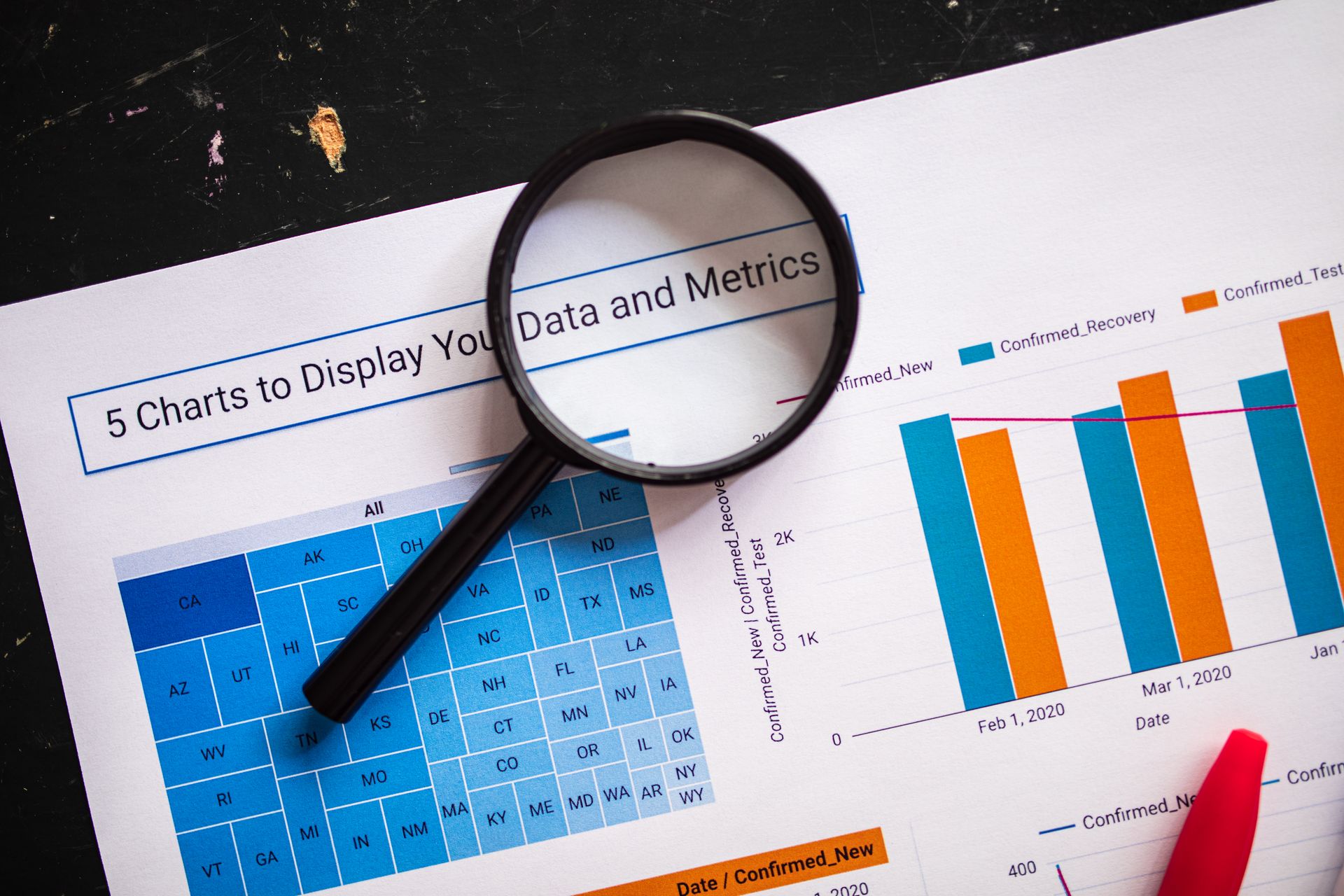
Image alt text SEO best practices, in short
- Describe, do not label. “Dalmatian puppy playing fetch” beats “dog” and beats “dalmatian puppy dog puppies for sale”.
- Keep it to what matters. The essential information, not every detail in the frame.
- Use the page’s words where they genuinely fit. If the image shows the thing the page is about, naming it is accurate, not stuffing.
- Skip “image of” and “photo of”. Screen readers already announce that it is an image.
- Use
alt=""for decoration. And keep the attribute present.
Alt text is one part of how an image is understood. A descriptive file name, a caption where it helps the reader, and placement next to relevant text all feed the same picture. So does the page itself: an image dropped into an unrelated article is hard to interpret whatever its alt text says.
What alt text cannot tell you
The limitation is that nobody outside Google can measure how much alt text contributes to image rankings. Google names it as one input among several, alongside computer vision, and computer vision means Google can increasingly see what is in an image without being told. Any claim that rewriting alt text lifted traffic by a given amount is hard to separate from everything else that changed at the same time.
That uncertainty is a reason to stop over-engineering alt text, not to skip it. The accessibility case does not depend on rankings at all: a reader using a screen reader either gets the information or does not. If you are auditing a large site, start with functional images, because an unlabelled link or button blocks people from using the page. Then fix informative images on pages that matter, and set decorative ones to empty.
Do not let alt text crowd out the work that does move rankings. Relevance, structure and links do more for a page than its image attributes; our guides to internal linking and search intent cover those. Image weight is a separate question again, and belongs with Core Web Vitals.
Frequently asked questions
Does alt text help SEO?
It helps Google understand images, which matters for image search. Google uses it alongside computer vision and page content. It is not a way to rank the page for keywords.
What is a good image alt text example?
Google’s own example is alt="Dalmatian puppy playing fetch": a plain description of what the image shows, in the words a person would use.
Should every image have alt text?
Every image should have an alt attribute. Decorative images should have an empty one, alt="", so screen readers skip them.
Can keywords in alt text hurt?
Google says filling alt attributes with keywords harms user experience and may cause a site to be seen as spam.
The takeaway Write alt text for the reader who cannot see the image. That is what helps image search, and keyword stuffing only adds risk.


