Most advice on LinkedIn articles and SEO starts from the wrong question. It asks whether LinkedIn articles rank, as if publishing there were a shortcut to search traffic. The better question is who can find an article at all, and LinkedIn’s own help pages answer that more precisely than most guides do.
The short version: your network sees it first, the public sees it only if your settings allow, and any search value it has accrues to linkedin.com. That does not make articles worthless. It makes them a distribution channel with a specific job, and a poor substitute for publishing on your own site.
Who sees a LinkedIn article first
LinkedIn’s help page on the distribution of your content says articles go to “a subset of your connections and followers”. Which subset depends on the strength of your connection with each person and on their notification settings. It is not a broadcast to everyone you are connected with.
People who are not connections can still follow you, and following is what puts your content in their feed. The same page says followers “may receive notifications when you share a post or publish an article”. Note the “may”. A notification is possible, not promised.

So the first audience for a LinkedIn article is social, not search. It reaches people who already know you or have chosen to follow you, filtered by how closely LinkedIn thinks you are connected. That is valuable, but it is a different mechanism from ranking, and it is worth keeping the two apart when you decide what to publish where.
When LinkedIn articles are public and searchable
Search engines can only index what they can reach without logging in. On that point the help page is specific. If your public profile is visible to everyone and the Articles & Activities setting is set to Show, “your content may be public and searchable both on and off LinkedIn.”
Flip either condition and the picture changes. Set Articles & Activities to Hide, or make your profile private, and “your content won’t be accessible by members who aren’t logged into LinkedIn.” A logged-out visitor includes a search engine crawler, so for SEO purposes that article is effectively invisible outside the platform.
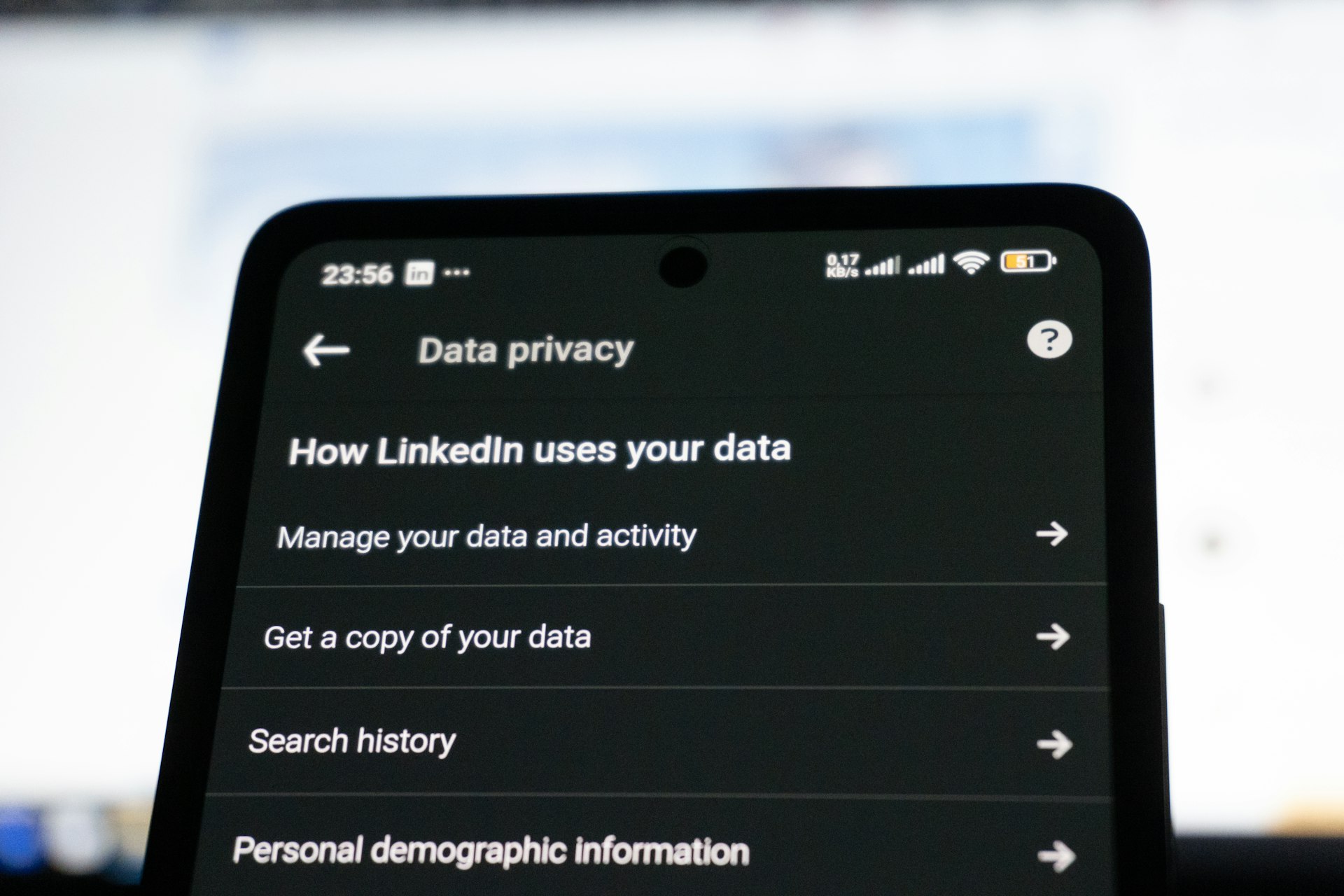
The toggle sits in the Public Profile section of Settings & Privacy. If you write articles partly to be found by people searching your name or your subject, check it before you publish, not after.
| Question | What LinkedIn says | Source |
|---|---|---|
| Who an article goes to | “a subset of your connections and followers” | Distribution of your content on LinkedIn |
| What decides the subset | Connection strength and notification settings | Same page |
| Can non-connections see it in their feed? | Yes, if they follow you | Same page |
| Do followers get notified? | They “may receive notifications when you share a post or publish an article” | Same page |
| When it can be public and searchable | Public profile visible to everyone and Articles & Activities set to Show | Same page |
| When logged-out visitors cannot see it | Articles & Activities set to Hide, or a private profile | Same page |
| How fast search engines reflect a change | Can take weeks or months; LinkedIn doesn’t control it | LinkedIn Help, public profile visibility |
Changing visibility is slow to reach search engines
LinkedIn’s other help pages on public profile visibility add a caveat that matters in both directions. Search engines can take weeks or months to refresh after you change what your public profile shows, and LinkedIn says it does not control that.
If you hide your articles today, cached copies and old search results can linger. If you make them public today, do not expect them to appear in results this week. Treat the setting as something you decide once, deliberately, rather than something you toggle around a launch.

Are LinkedIn articles good for SEO? Whose domain you are building
Here is the part most guides skip. An article on linkedin.com lives on LinkedIn’s domain. Every link it earns, every bit of engagement, every reason a search engine has to trust that URL, belongs to LinkedIn. None of it transfers to your site.
That is the honest answer to whether LinkedIn articles are worth it for SEO. They are not a way to build your own site’s authority. Their search value, where it exists, is narrower: being found by people who search your name or a topic closely tied to you, and sending those readers on to your own site through links in the article.
The name search is the stronger case. Someone checking you out before a call, a hire or a deal will search your name, and a public article with your byline gives them something substantive to read. That overlaps with how you build recognisable signals of experience, which our guide to E-E-A-T examples covers, and with how your name gets associated with a subject over time, the territory of brand mentions.
It is the same trade-off as any platform you do not own. Our piece on Reddit and SEO makes the point from the other side: a large platform can show up for queries you care about, but the visibility is rented, and the rules belong to someone else.

Should you republish your blog posts on LinkedIn?
Republishing an existing blog post as a LinkedIn article is the most common way people use the format, and it carries a specific risk. You now have two copies of the same text on two domains, and one of those domains is very large. If the LinkedIn copy is public, it can end up competing with your original for the same searches.
This is ordinary syndication, and the same rules apply. Our guide to content syndication SEO sets them out. The two that matter here:
- Publish on your own site first. Let your version be crawled and indexed before the LinkedIn copy exists.
- Link back to the original. A clear link in the article tells readers where the full piece lives, whatever search engines decide.
- Consider an excerpt instead of the full text. A summary with a link to the original gives LinkedIn readers the argument and keeps the complete version on your domain.
You do not control the markup on a LinkedIn page the way you control your own, so the usual fixes for duplicate content are not yours to apply. That is the strongest reason to write something shorter or different for LinkedIn rather than pasting the whole post.

One limitation. LinkedIn’s help pages describe who can see an article and when it can be indexed. They say nothing about how LinkedIn articles rank in Google, and we will not guess. Nobody outside the search engines can tell you how often a LinkedIn copy outranks an original. The guidance tells you which choices are safer, not how large the risk is for your posts.
Frequently asked questions
Are LinkedIn articles good for SEO?
For your own site, not directly. The article lives on linkedin.com, so it builds LinkedIn’s domain. Its search value is being found by people searching your name or topic, and the links back to your site.
Are LinkedIn articles public?
Only if your public profile is visible to everyone and Articles & Activities is set to Show. Set it to Hide, or make your profile private, and logged-out visitors cannot see your content.
Who sees a LinkedIn article when I publish it?
A subset of your connections and followers, depending on connection strength and their notification settings. Followers may receive a notification.
How quickly do search engines pick up a visibility change?
LinkedIn says it can take weeks or months, and that it doesn’t control how quickly search engines refresh.
The takeaway A LinkedIn article reaches your network first and the open web only if your settings allow it. Publish the full piece on your own site, use LinkedIn for reach and name searches, and link back to the original.