


Can you find out who owns a website? Often, yes, but the route has changed and the first stop usually gives you less than people expect. The registration record will tell you the registrar, the creation date and the name servers. The registrant’s name and contact details are usually hidden. The useful work happens after that lookup, on the site itself and in public records, and in a formal request when you have a legitimate reason.
WHOIS has been replaced by RDAP
If an old guide tells you to run a WHOIS search, it is out of date for generic top-level domains such as .com, .net and .org. ICANN’s announcement of 27 January 2025 put it plainly: “Effective 28 January 2025, the Registration Data Access Protocol (RDAP) will be the definitive source for delivering generic top-level domain name (gTLD) registration information in place of sunsetted WHOIS services.”
ICANN lists the advantages of RDAP as “support for internationalization, secure access to data, authoritative service discovery, and the ability to provide differentiated access to registration data.” That last point matters to you as a researcher. Differentiated access means different requesters can see different amounts of the record, and the public view is the smallest.
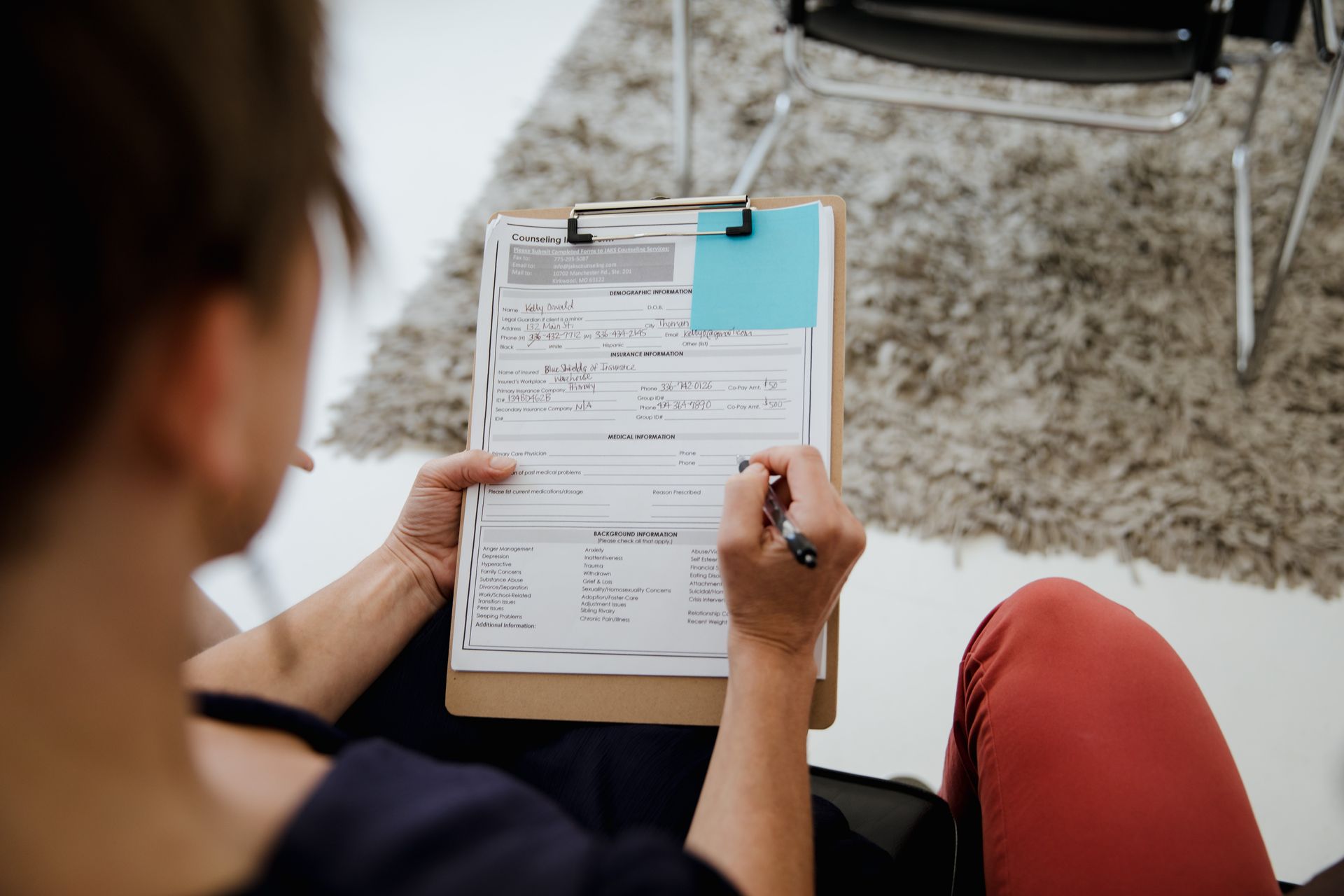
Running a registration lookup
The simplest place to start is ICANN’s own RDAP-based Lookup service at lookup.icann.org. Enter the bare domain, without the protocol or a path, and read the result from the top. Note four things: the sponsoring registrar, the creation date, the expiry date and the name servers.
Each is useful even without a name attached. The registrar tells you where to send a formal request. The creation date tells you how long the domain has been registered, which our guide to what domain age tells you puts in context. The name servers hint at the hosting or DNS provider, and a change of name servers can coincide with a change of hands.

Can you find out who owns a website when the record is redacted?
For most domains, the registrant fields come back redacted or show a privacy service in place of the owner. That is normal, not suspicious. Privacy protection is widely offered by registrars and data protection rules restrict what can be published about individuals.
There are two formal routes to the non-public data. The first is ICANN’s Registration Data Request Service, or RDRS, which passes requests to participating registrars. The second is to contact the sponsoring registrar directly. In both cases you state who you are and why you need the data, and the registrar decides whether to disclose it. Expect a legitimate reason to be required, and expect some requests to be refused.

| Route | What you get | When to use it | Limit |
|---|---|---|---|
| ICANN RDAP-based Lookup | Registrar, dates, name servers, any public contact fields | Always, first | Registrant details usually redacted |
| Registration Data Request Service (RDRS) | A request routed to the registrar for non-public data | You have a legitimate need and the registrar participates | Only participating registrars; disclosure is not guaranteed |
| Sponsoring registrar | A direct request for registrant data or to pass on a message | The registrar is not in RDRS, or you need contact passed on | Each registrar sets its own process |
| The site’s own pages | Company name, address, team | Before any formal request | Can be out of date or deliberately vague |
| Company registers | Directors, registered address, filing history | A company name has turned up on the site | Only covers registered companies |
Clues on the site itself
The owner is often named somewhere on the site, just not on the home page. Check the about page first, then the legal pages. A privacy policy usually says who is responsible for the personal data the site collects, so it frequently names a company and an address. Terms of use, cookie notices, an imprint page on European sites, and the footer copyright line are the next places to look.
Once you have a company name, look it up in the relevant company register. That can give you directors, a registered address and a filing history, which is often more than a registration record ever showed. Technical clues help too. Shared analytics or ad account IDs can link a site to others run by the same operator; our guides to finding what technology a website uses and checking if a website is monetized show where those IDs sit.

Legitimate reasons, and how to make contact
The common reasons are ordinary: you want to buy the site, pitch a partnership or a link, report a problem, or research a competitor. If you are buying, ownership checks belong early in due diligence, alongside traffic and revenue claims; see buying a site: what the data shows. For outreach, a contact form or a named email address from the site will get a faster reply than any registrar request.
Some research needs no owner at all. If you only want to know how a site makes money, what it runs on or how long the domain has existed, the public evidence answers that without a name. Ownership becomes necessary when you need to agree something with a person: a sale, a licence, a link, a correction. Decide which of those you need before you start, because it sets how far you have to dig.
Keep it proportionate. Use what you find for the purpose you had, do not publish personal details you uncover, and do not contact people at home addresses pulled from old records. If the site’s owner has chosen privacy, a polite message through the registrar or the site’s own form is the right next step.

The limitation: the record shows the registrant, not always the owner
Even an unredacted record tells you who registered the domain, which is not always who owns or runs the business. An agency may register domains for clients. A holding company may own the site while a contractor operates it. A site may have been sold without the registration details being updated for some time.
So treat every source as one piece of evidence. A company named in the privacy policy, a matching company register entry and a registrar that confirms the registrant are three pieces that agree. Any one on its own is a lead, not an answer. Write down where each fact came from and when you checked it, because registrations, legal pages and company records all change.
Frequently asked questions
Is WHOIS still used to find who owns a domain?
Not for generic top-level domains. ICANN said that from 28 January 2025, RDAP is the definitive source for gTLD registration information in place of sunsetted WHOIS services.
Why are the owner’s details hidden?
Most registrant details are redacted or replaced by a privacy service. RDAP supports differentiated access, so the public view shows the least.
How do I request non-public registration data?
Use ICANN’s Registration Data Request Service for participating registrars, or contact the sponsoring registrar directly with a legitimate reason.
Can I see who owns a website without a lookup tool?
Often. Check the about page, privacy policy, terms and footer for a company name, then look that company up in the relevant company register.
The takeaway Run an RDAP lookup for the registrar and dates, expect the owner to be redacted, then use the site’s legal pages, company registers and a formal request through RDRS or the registrar.


