


The best bottom of funnel content examples share one trait: they answer the question a buyer asks just before choosing. Which product, at what price, and why this one rather than the other. Everything earlier in the funnel helps someone understand a problem. Content at the bottom helps them make a decision, and it is where organic traffic turns into revenue most directly.
That makes it the most valuable content most sites underinvest in. Informational posts are easier to write and attract more traffic, so they fill the editorial calendar. The pages that actually close sales get written once, at launch, and are rarely touched again.
Where the bottom of the funnel starts
HubSpot’s guide to content for every funnel stage draws the three stages clearly. At the top, people are “just starting to realize something’s not working.” In the middle, “prospects actively research their options.” At the bottom, “buyers are nearly ready to act — they’ve done their research.”
That last description is the useful one for SEO, because it tells you what the searcher no longer needs. A buyer at the bottom does not want an explainer on the category. They have read those. HubSpot frames the bottom stage as being about “removing friction” and answering “Why choose us?”, and both of those are specific, answerable questions.
HubSpot’s bottom of funnel formats, and which ones search can reach
HubSpot lists six formats for the bottom stage. They are all sound, but they are not all content in the SEO sense. Some are offers that sit on a page; few people search for them by name.
| HubSpot’s BOFU format | What it does | Role in organic search |
|---|---|---|
| Free trials or live demos | Lets the buyer test the product | The conversion step on a ranking page, not the page that ranks |
| Consultation offers | Gives a direct conversation with the seller | A call to action, mostly for services |
| Coupons or limited-time discounts | Removes price hesitation | Can rank for brand-plus-discount queries |
| Customer testimonials | Shows that people like the buyer chose it | Supports comparison and product pages |
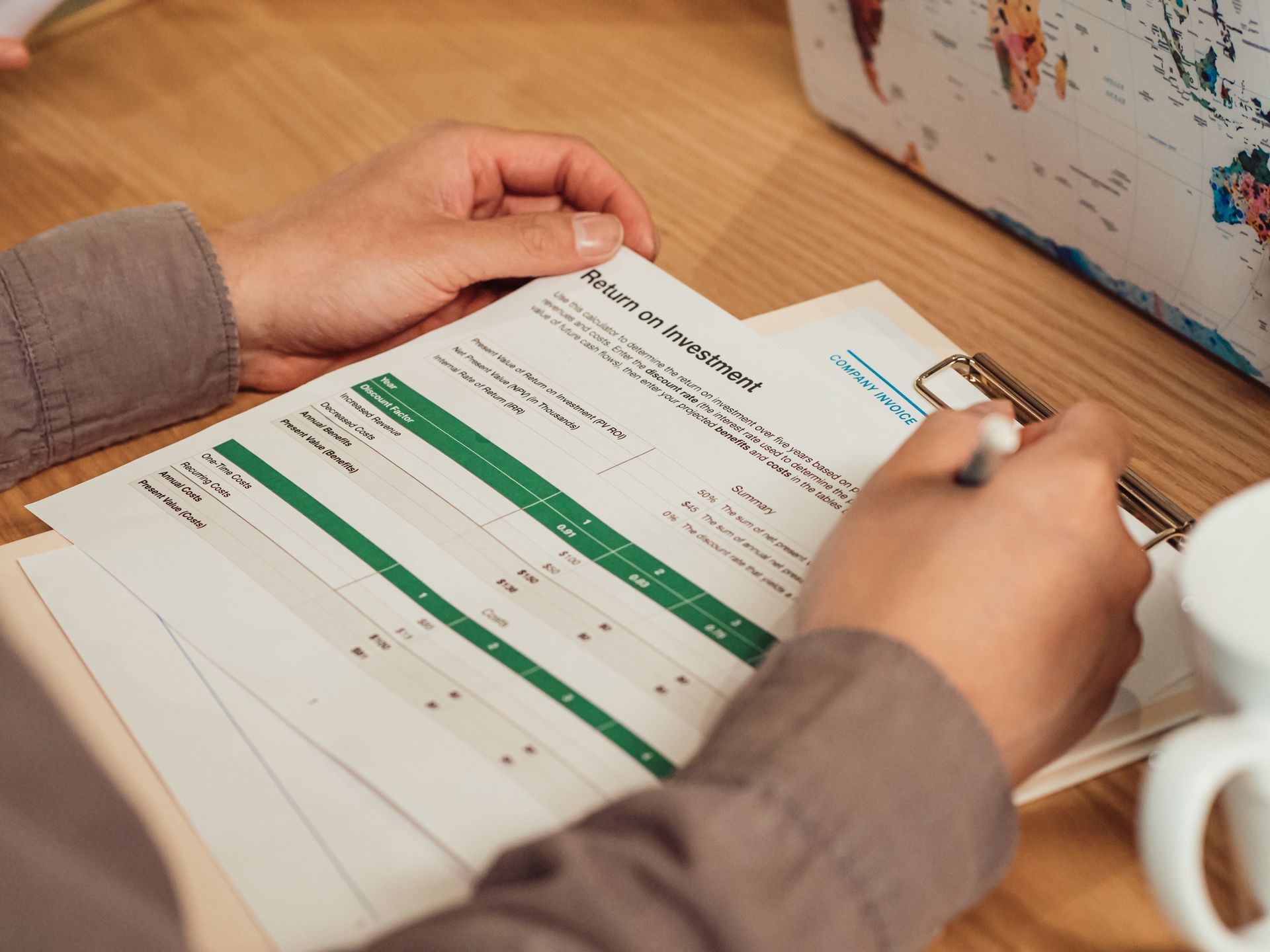
| ROI calculators | Turns the decision into numbers | Can rank as a tool and earn links |
| Free audits or strategy sessions | Shows value before a commitment | A call to action, mostly for agencies |
The pattern is plain once it is laid out. Most of HubSpot’s formats convert a visitor who is already on your site. They do not bring the visitor there. For that, you need pages built around the queries buyers type at the decision stage.

Bottom of funnel content examples that rank
Decision-stage queries are easy to spot because they name brands, prices or a choice. They are usually lower in volume than informational queries, and that is the point: the people typing them are close to buying. Four page types capture most of that intent.
- Comparison pages. “Your product vs a named competitor.” The searcher has narrowed the field to two and wants a reason to pick.
- Alternatives pages. “Alternatives to a named competitor.” The searcher is unhappy with something they use or have tried, which is the warmest traffic in most categories.
- Pricing and plan explainers. Clear statements of what each plan costs and includes, with the questions buyers ask before paying answered on the page.
- Use-case pages. “Product for a specific job or industry.” The searcher knows the category and wants proof it fits their situation.
Each of these pages is where HubSpot’s offers belong. A comparison page that ends in a free trial, an alternatives page with a testimonial from someone who switched, a pricing page with an ROI calculator: the ranking page brings the buyer, the offer converts them. Our SaaS SEO guide covers how these pages fit into a wider programme for software companies, where they matter most.

How to write comparison and alternatives pages buyers trust
The weakness of most comparison pages is that buyers can tell they were written by one of the two parties. A page that claims your product wins on every row reads as an advert, and the searcher leaves to find a neutral source. Concede where a competitor is genuinely better, and say who it suits. That concession is what makes the rest of the page believable.
Keep the details current. Competitors change features and prices, and a comparison that misstates either damages trust in everything else on the page. Put a “last checked” date on any page that describes another company’s product, and recheck it on a schedule.
Answer the friction directly. Pricing questions, contract terms, migration effort and setup time are what stop buyers at this stage. A short FAQ on the pricing or comparison page, answering those plainly, does more than another paragraph of features.
Testimonials work hardest here when they are specific. A quote from a customer who switched from the competitor named in the page title, saying what changed for them, is worth more than a row of logos. Match the proof to the page: switching stories on alternatives pages, outcomes in a particular industry on use-case pages, and payback or cost questions answered next to the pricing table.
Finding bottom of funnel topics
Start from your own competitors rather than a keyword tool’s suggestions. List the products buyers compare you with, then build one comparison page per serious rival and one alternatives page per competitor that people leave. Sales and support teams usually know which names come up most.

Then check the intent. Some queries that look commercial return informational results, and a sales page will not rank there however good it is. Our guide to search intent explains how to read a results page before committing to a format. Where several decision-stage queries return the same results, group them into one page, as covered in our post on keyword clustering.
Here is the limitation. Bottom of funnel pages rarely attract large volumes, and they are hard to credit fairly. A buyer may read a blog post, leave, come back via a comparison page and sign up through a branded search. Last-click reports will give the credit to whichever page came last, so judge these pages on conversions over months, not on traffic.
The received wisdom is that content marketing means filling the top of the funnel and letting it trickle down. For most sites with something to sell, the better order is the reverse: publish the comparison, alternatives and pricing pages first, then build the informational content that feeds them. More on planning that order sits in our strategy archive.
Frequently asked questions
What is bottom of the funnel content?
Content for buyers who have done their research and are nearly ready to act. It answers “why choose us?” and removes friction from the decision.
What are some bottom of funnel content ideas for SEO?
Comparison pages, alternatives pages, pricing explainers and use-case pages, each ending in an offer such as a trial, demo or consultation.
Do free trials and demos count as content?
They are offers rather than pages that rank. They work best as the call to action on comparison, pricing and use-case pages.
How do you measure bottom of funnel content?
By conversions over several months rather than traffic. Volumes are low, and last-click reports often credit another page.
The takeaway Offers convert buyers who have found you; comparison, alternatives and pricing pages bring them there. Publish those first, keep them honest and current, and judge them on conversions.


