


How long does AdSense approval take? Google’s own answer is short: the review “usually takes a few days, but in some cases it can take 2–4 weeks.” Most forum threads on the subject are people in week three wondering whether something has gone wrong. Usually it has not; they are inside the range Google states.
What has changed is that the site review is no longer the only gate. A newer identity step can sit between approval and the first ad, and an incomplete setup task can stall things without any obvious error. This piece covers the timeline as Google describes it, and the parts of it you control.
How long does AdSense approval take, according to Google
The source for all of this is Google’s AdSense Help article, Complete your AdSense account setup. It lists three setup tasks and says they “can be completed in any order”:
- Enter your payments information.
- (Optional) See how ads will look on your site.
- Connect your site to AdSense.
Once the site is connected, Google reviews it. The stated duration, a few days and in some cases 2–4 weeks, is the only official figure, and it is a range rather than a promise. Anyone quoting a precise average is guessing.
Because the tasks can be done in any order, the practical advice is to do all of them at once. Entering payments information early does not shorten the review, but it removes one thing that could hold the account back once the review is done. The ad preview is optional and has no bearing on approval; it simply shows you how ads would sit on your pages, which is worth a look if you care about layout and page speed.
Connecting the site is the step that starts the review, so it is the one to get right. If the connection is broken, Google has nothing to review, and the clock you think is running may not have started. Check the code or file is actually being served on the live site, not just saved in a theme editor or a staging copy.
| Stage | What happens | Time stated by Google |
|---|---|---|
| Setup tasks | Payments info, optional ad preview, connect your site; any order | Up to you |
| Site review | Google checks the connected site | “Usually … a few days”, in some cases 2–4 weeks |
| Identity verification | Government-issued photo ID, possibly a video selfie | 45 days from the first request |
| If setup fails | Email explaining why and what to fix | Sent by Google |
The identity check that now sits in the way
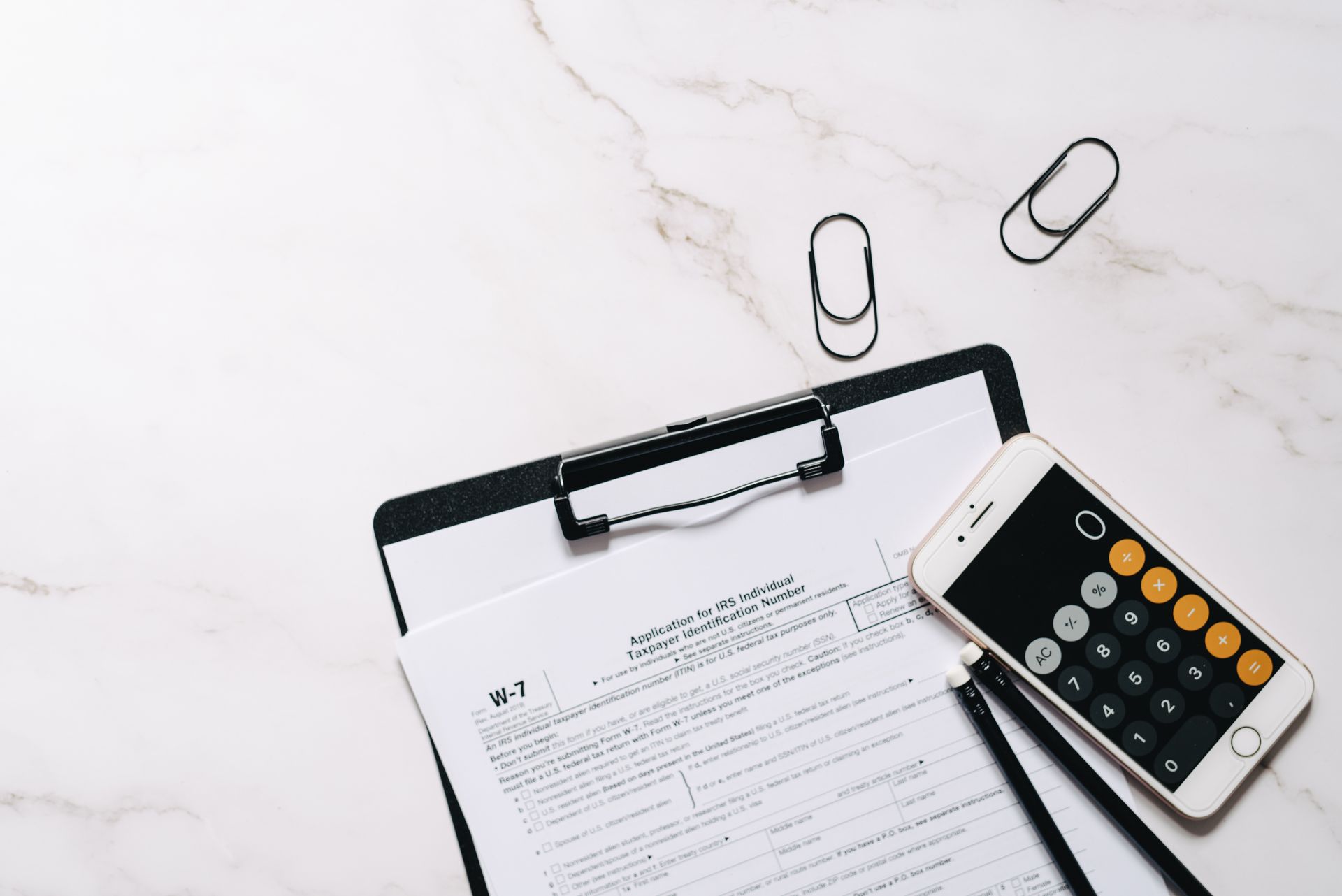
The newer step is easy to miss. Google’s help page says: “Starting June 2026, you may need to verify your identity before your account can start showing ads.” Verification uses a government-issued photo ID and may also ask for a video selfie.

Two points matter for timing. First, this can come after the site review, so an approved site may still not show ads until the check is done. Second, publishers have 45 days from the first request to complete verification. That is a deadline, not a waiting period: the clock is running from the moment Google asks. Have the document ready rather than discovering it has expired.
The phrase “may need to” also matters. Not every account will be asked, so do not treat the absence of a request as a fault.
Put together, a realistic plan looks like this: complete the setup tasks in one sitting, expect the review to take a few days, and do not start worrying until you are past the four-week end of Google’s range. If an identity request arrives, deal with it the same week rather than leaving it to the end of the 45 days.
What to do while you wait
Google’s guidance for the waiting period is brief, and the two points in it are the ones people break most often.
Keep the site live with the AdSense code in place. The review needs a working site to look at. Removing the code, putting the site behind a login, moving domains or taking it down for a redesign during review all give the reviewer less to see. If the connection uses an ads.txt file, our guide to ads.txt covers how to check it is correct.
Get the site “privacy ready”. Google uses that phrase in the setup guidance. In practice it means your privacy disclosures and any consent messaging your audience requires are in place before ads start serving, not added afterwards.
Just as important is what not to do. Do not click your own ads or ask anyone else to, once they appear. Our piece on AdSense invalid traffic explains why that is the fastest way to lose an account you have just won.

Why Google AdSense is not approved, and what happens next
If the setup fails, Google sends an email explaining why and what to fix. That email is the most useful document in the whole process, and it is worth reading literally rather than searching for someone else’s theory. Fix the specific issue named, keep the site live, and follow the steps the email sets out.
The common reasons, and the requirements behind them, are covered in detail in our guide to AdSense requirements; there is no point repeating that list here. The short version is that most rejections are about the site itself rather than a technicality, so the fix is usually content or access, not code.

The received wisdom worth challenging is that a long wait signals a rejection on the way. Nothing in Google’s guidance supports that. A review at the long end of the range is still inside the range, and the email is the signal, not the silence. Equally, a fast approval is not a sign that the site is safe from later policy action.
One limitation to state plainly. Google publishes a range, not a distribution, and it does not explain what puts a site at the 2–4 week end. Nothing here can tell you where your own review will land, and anyone claiming a trick to shorten it is offering something Google does not describe.
If the wait or the result does not suit you, other networks have their own entry requirements; our round-up of AdSense alternatives compares them. For the wider picture, see how websites make money beyond display ads.
Frequently asked questions
How long does Google AdSense take to approve a site?
Google says the review usually takes a few days, but in some cases it can take 2–4 weeks.
Do I need to verify my identity for AdSense?
Possibly. Starting June 2026, Google says you may need to verify your identity with a government-issued photo ID, and possibly a video selfie, before ads can show. You have 45 days from the first request.
Should I remove the AdSense code while waiting?
No. Google advises keeping the site live with the AdSense code in place during the review.
How will I know why AdSense was not approved?
If setup fails, Google sends an email explaining the reason and what to fix.
The takeaway Expect a few days, allow for 2–4 weeks, and watch for an identity request with a 45-day deadline. Keep the site live with the code in place, get it privacy ready, and treat Google’s email, not the wait, as the signal.


